

· New in 1.1.0
What's new in Axis Utility 1.1.0
A free update for everyone who owns Axis Utility. Sessions and presets from 1.0.0 still load.


· Spectrum Analyzer
See every frequency, in real time
A real-time analyzer draws the frequency content of your signal in your channel colors. Switch between a smooth line trace, banded octave bars, Scope, or a scrolling spectrogram, then zoom into any region for a closer look. View it as stereo L/R, Mid/Side, mono, or isolate a single channel — Left, Right, Mid, or Side — on its own. A built-in calibration self-test verifies the FFT peak-to-dBFS scaling with one click, and every attack, release, and peak-hold response is documented down to the millisecond.
The Spectrogram now has Horizontal and Vertical orientation, six palettes, three Gamma levels, and Overlap from 2x to 32x for sharper attacks. Window Type is shared by Line, Octave Bars, and Spectrogram: choose Hann, Hamming, Blackman-Harris, Flattop, or Rectangular.

· Sidechain
See your sidechain next to your track
Send a second stereo input from your DAW and see it next to your track, with a level readout on the meters. The sidechain shows on the input meters, Line, Octave Bars, Scope, and the goniometer. See how two sounds fit together: a kick and a bass, for example. Axis Utility only draws it: the sound, the meters of the track, and the latency do not change. It works with your DAW's sidechain routing.


· Scope
Watch the waveform, beat by beat
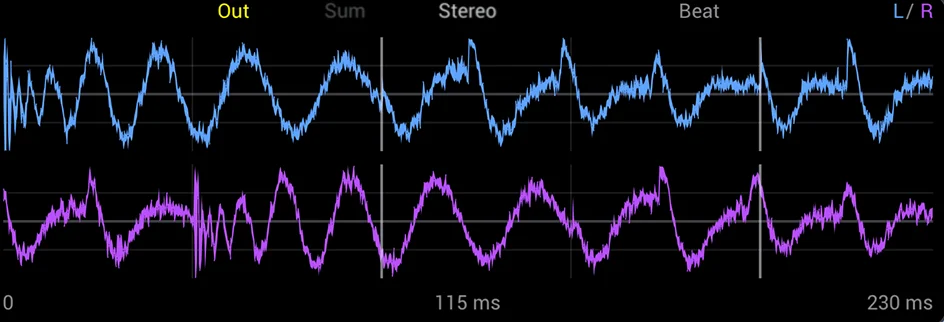
A new triggered view in Signal or Beat mode. Watch what Phase, Time Shift, L/R Tilt, and the Limiter do to your waveform. Overlay puts the gray Input behind the yellow Out. See where processing changes the wave, and zoom in on the beat down to about 5 ms.


· Pro Tools
Now in Pro Tools
Axis Utility runs in Pro Tools on macOS and Windows as an AAX plug-in, with AudioSuite included in the same plug-in. Quit Pro Tools, install the AAX plug-in, then open Pro Tools again and insert Axis Utility on a stereo track.
· Goniometer
Watch your stereo image take shape
A CRT-style phosphor trail traces the relationship between left and right in real time, so width, balance, and phase become something you can see. Six display modes — Lissajous, Balance-O-Meter, M/S, Polar, Dot, and X/Y — cover everything from a classic vector scope to a simple balance triangle.
· External Windows
Pop the analyzer and goniometer onto a second screen
In the standalone app, right-click the spectrum analyzer or the goniometer and choose External Window to detach it into its own floating window — complete with its own Source, Channel/Mode, and Link Switches menus, independent from the main plugin UI. Open both at once and keep full-size, always-on metering running on a second monitor while you mix on the first.
· Standalone App
Auto-detect your tempo
In the standalone app, use spare inputs of your audio interface as the Sidechain L and R inputs. Patch in a modular rig, a synth, or any source. Scope Beat locks to your sidechain's tempo on its own. Turn on Sidechain Tempo to read the number live at the top right of the goniometer. On Windows, use ASIO.


· M/S Mode & Imager
Reshape stereo width without losing control
Flip into Mid/Side to rebalance center and sides directly, or reach for the Imager to scale stereo width from fully mono to 400% wide. Restrict the effect to the high end with the built-in crossover filter. Your low end stays centered and mono-safe.


· Filter & Channel Tools
Shape the width, fix the channels, keep the bass tight
Set a crossover anywhere from 20 Hz to 20 kHz to keep bass mono while widening the top end. Add L/R Tilt to delay one channel against the other for Haas-style width, placed pre- or post-Imager depending on whether you want that delay re-mono'd by the filter — its label turns amber above ~5ms as a mono-safety cue. Swap channels, invert polarity, solo left, right, mid, side, or full stereo, or flip on DC Block to clear any offset bias from a hardware capture — all from one row of switches.
· Metering
Every number a mix engineer needs
Gradient level meters, LUFS short-term, momentary and integrated loudness, true peak, RMS, crest factor, correlation, and balance — all live.
A rolling mini-graph tracks recent correlation history, and a flashing warning catches mono compatibility problems before they reach a master.

· Phase & Time Shift
Align timing and phase down to the sample
Rotate phase continuously from 0° to 360° without touching tone, or slide the whole signal up to ±50 ms to nudge it against the rest of a mix. Three quality tiers trade a little latency for tighter low-end accuracy.
· Limiter
A safety net that doesn't get in the way
Dial in a parallel blend with the Mix knob, which equal-power crossfades processed and dry signal and keeps the two delay-aligned automatically. A brick-wall limiter sits on the combined output, with a ceiling you set from 0 to −24 dBFS and r8brain oversampling, from None up to 128x, for catching inter-sample peaks before they leave your session. Oversampling at 2x and above adds delay, and your host compensates for it.

· Workflow
Small things that save clicks
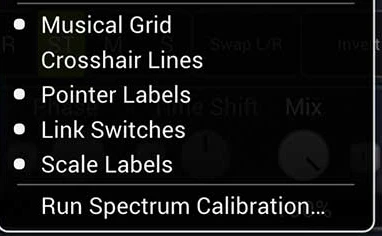
Freeze holds the whole display with one right-click on the analyzer switch. With Musical Grid on, hold Shift and use the mouse wheel or drag to switch the grid note. Save as Default Preset makes new instances start from your own settings. Hide the pointer and scale labels when you want a cleaner view, and map your controller to the switches too with MIDI Learn.


· Factory Presets
Start closer to the sound you're after
33 factory programs across six categories cover the situations utility plugins get reached for most: channel fixes, mix bus polish, imaging, and mono-safety checks. Step through them from the preset bar, or save your own.
· MIDI Learn
Put any control under your fingers
Map any MIDI CC controller to nearly every knob and switch in the plugin. Pickup behavior means a hardware knob never causes a jump when it doesn't match the current value.


Up to 192 kHz
Supported sample rates
0 samples
Default latency, host-compensated
±0.75 dB
Analyzer calibration tolerance
VST3 · CLAP · AAX · AU · App
Formats, macOS & Windows
Axis Utility
€39
StandardOne-time purchase
VST3 · CLAP · AAX · AU (macOS) · Standalone — macOS & Windows
14-day free trial
Already own Axis Utility? Version 1.1.0 is a free update for all owners. Log in to your account and open My purchases to download it.









What's new
- Sidechain view. Draw a second input next to your track on the meters, Line, Octave Bars, Scope, and goniometer. The sound and the latency do not change.
- Scope. A new triggered view in Signal or Beat mode. Overlay puts your Input behind your Out, and you can zoom in on the beat to about 5 ms.
- Pro Tools. The AAX plug-in for macOS and Windows, with AudioSuite in the same plug-in.
- Auto tempo detection in the standalone app. Scope Beat follows the tempo of your sidechain.
- Spectrogram. Vertical orientation, six palettes, three Gamma levels, and Overlap up to 32x.
- Window Type for Line, Octave Bars, and Spectrogram: Hann, Hamming, Blackman-Harris, Flattop, or Rectangular.
- Workflow & Graphics updates. Freeze with one right-click, Musical Grid note with Shift, MIDI Learn on switches, Save as Default Preset, and hideable labels.
39.00 EUR
More from Celestial Textures
 Just Say It!
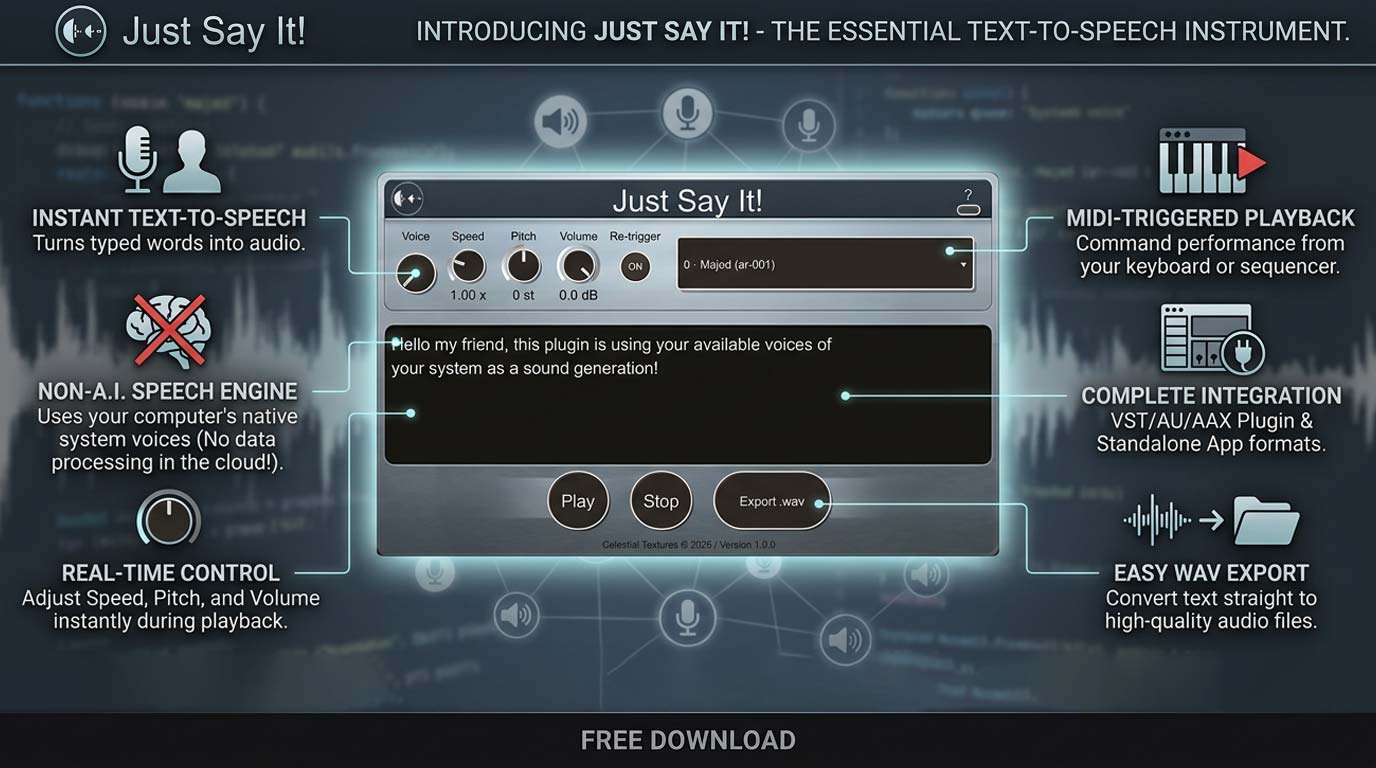
Typed text becomes audio, right on your insert. System voices, real-time pitch and speed, MIDI triggering, WAV export — engineered for the studio, not the browser.
Just Say It!
Typed text becomes audio, right on your insert. System voices, real-time pitch and speed, MIDI triggering, WAV export — engineered for the studio, not the browser.
 Project Tool
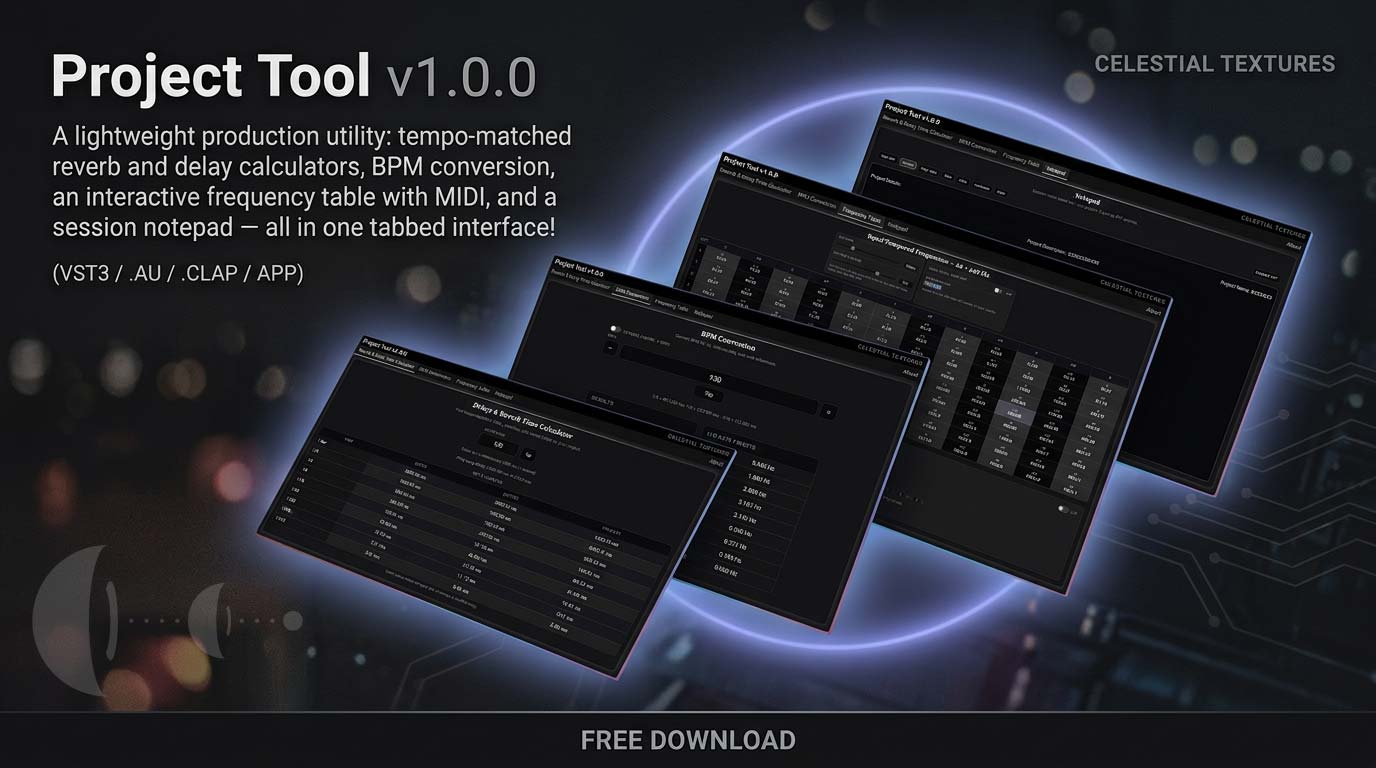
Tempo-matched reverb & delay calculators, BPM conversion, an interactive frequency table with MIDI, and a session notepad — one lightweight tool that sits on any insert without touching your audio.
Updated
Project Tool
Tempo-matched reverb & delay calculators, BPM conversion, an interactive frequency table with MIDI, and a session notepad — one lightweight tool that sits on any insert without touching your audio.
Updated 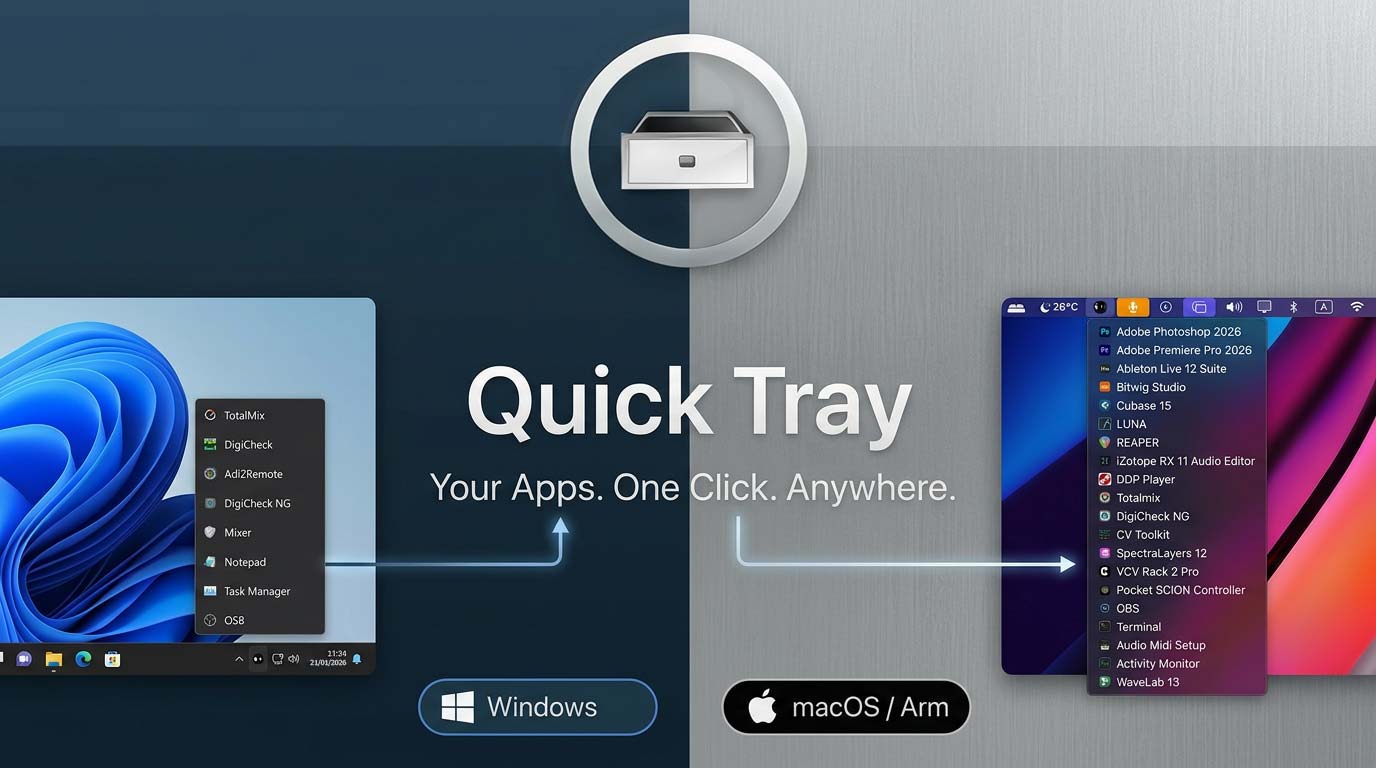 Quick Tray
 is a featherweight launcher that lives in your menu bar or system tray.
Quick Tray
Quick Tray is a featherweight launcher that lives in your menu bar or system tray.