



What's new
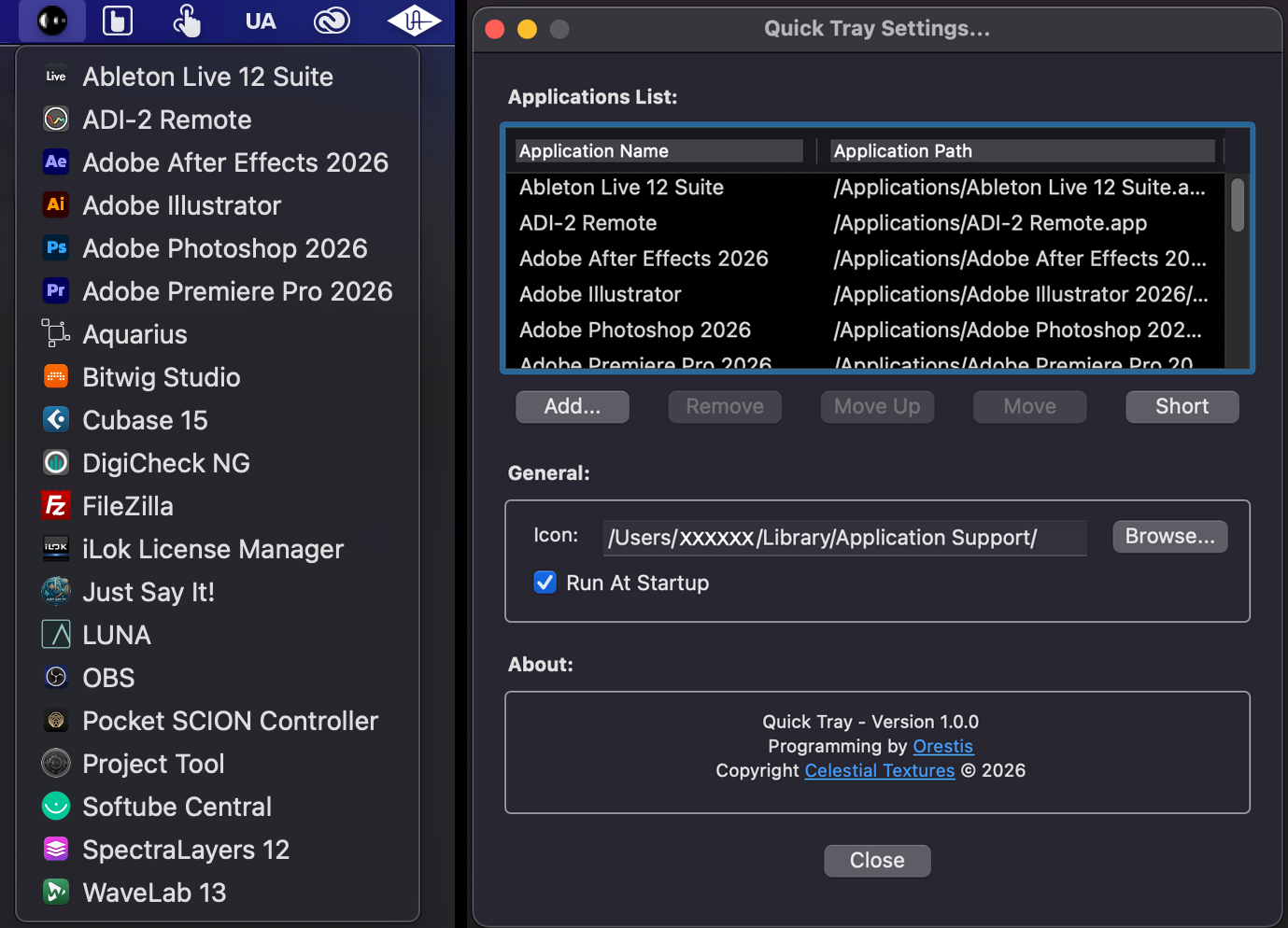
- Quick Tray now looks after your app list more carefully. If the settings file is ever missing or unreadable, the default apps are restored automatically.
- On Windows, changes are also saved more safely, and a backup of your previous list is kept as quicktray.ini.bak.
- Settings and dialogs stay on screen — no more cramped layouts or windows running off the edge.
- Cleaner menu scaling — the left-click app menu scales properly at any display scale, no oversized or tiny text.
- More compact app list — a bit tighter and easier to scan.
- Smarter scrolling for long menus — the menu scrolls when it's long, and the highlight follows the row under your mouse.
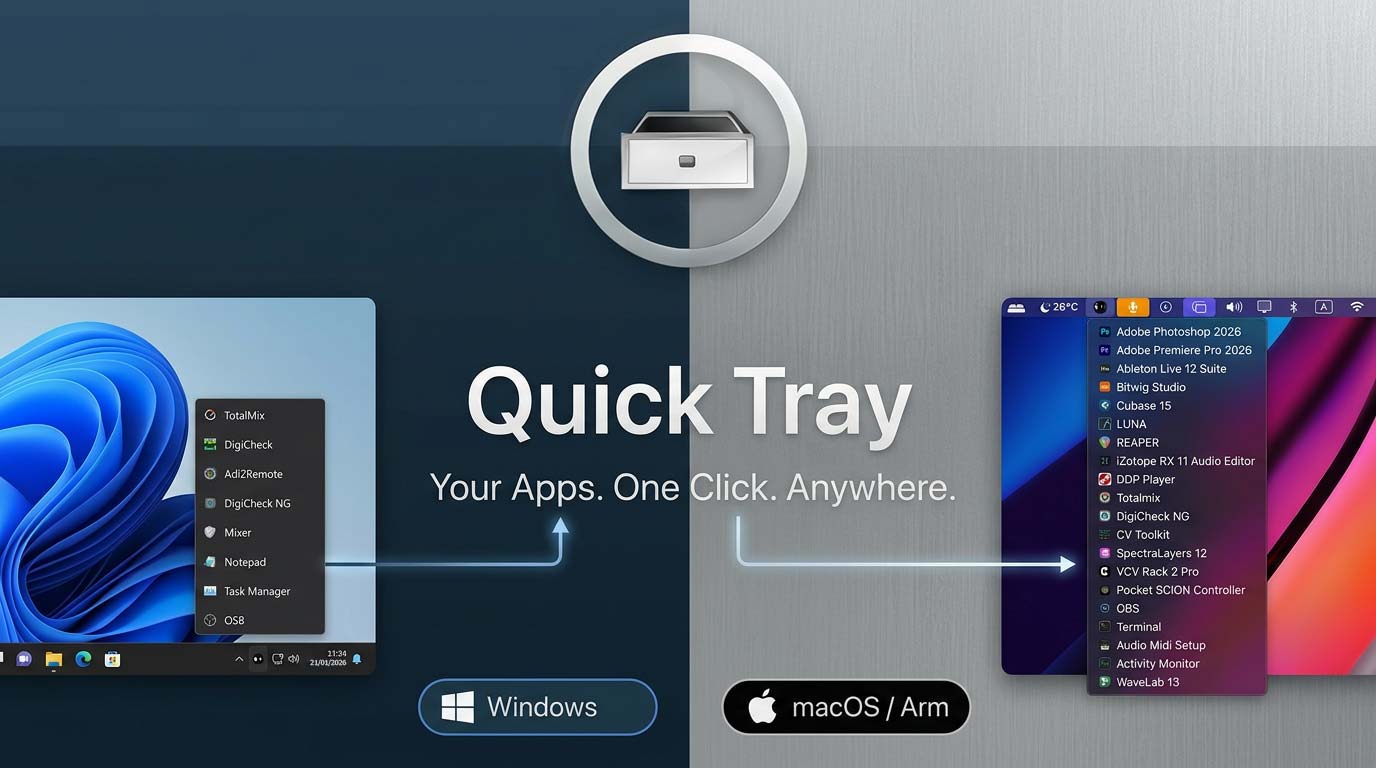
- Same Quick Tray you know: left-click to launch, right-click for Settings and Exit.
- Uninstaller reliability (macOS) — improved reliability when launched from Finder, on both Apple Silicon and Intel.
- Settings migration & tray behaviour (Windows) — improved settings migration, tray menu placement, High DPI text sizing, and memory use during long sessions.
- Security improvements — safer app launching (.exe validation on Windows) and hardened installer behaviour on both platforms.
- Smoother upgrades — the installer now closes Quick Tray safely before updating.
Log in to claim this free product.
Log inMore from Celestial Textures
New  Axis Utility
 is a stereo utility & metering plugin featuring independent gain trims, M/S mode, Imager, Phase, Time Shift/Tilt, and a brick-wall Limiter, paired with professional metering: LUFS (EBU R128), correlation/balance, a 6-mode goniometer, and a real-time spectrum analyzer with built-in calibration.
New
Axis Utility
Axis Utility is a stereo utility & metering plugin featuring independent gain trims, M/S mode, Imager, Phase, Time Shift/Tilt, and a brick-wall Limiter, paired with professional metering: LUFS (EBU R128), correlation/balance, a 6-mode goniometer, and a real-time spectrum analyzer with built-in calibration.
New 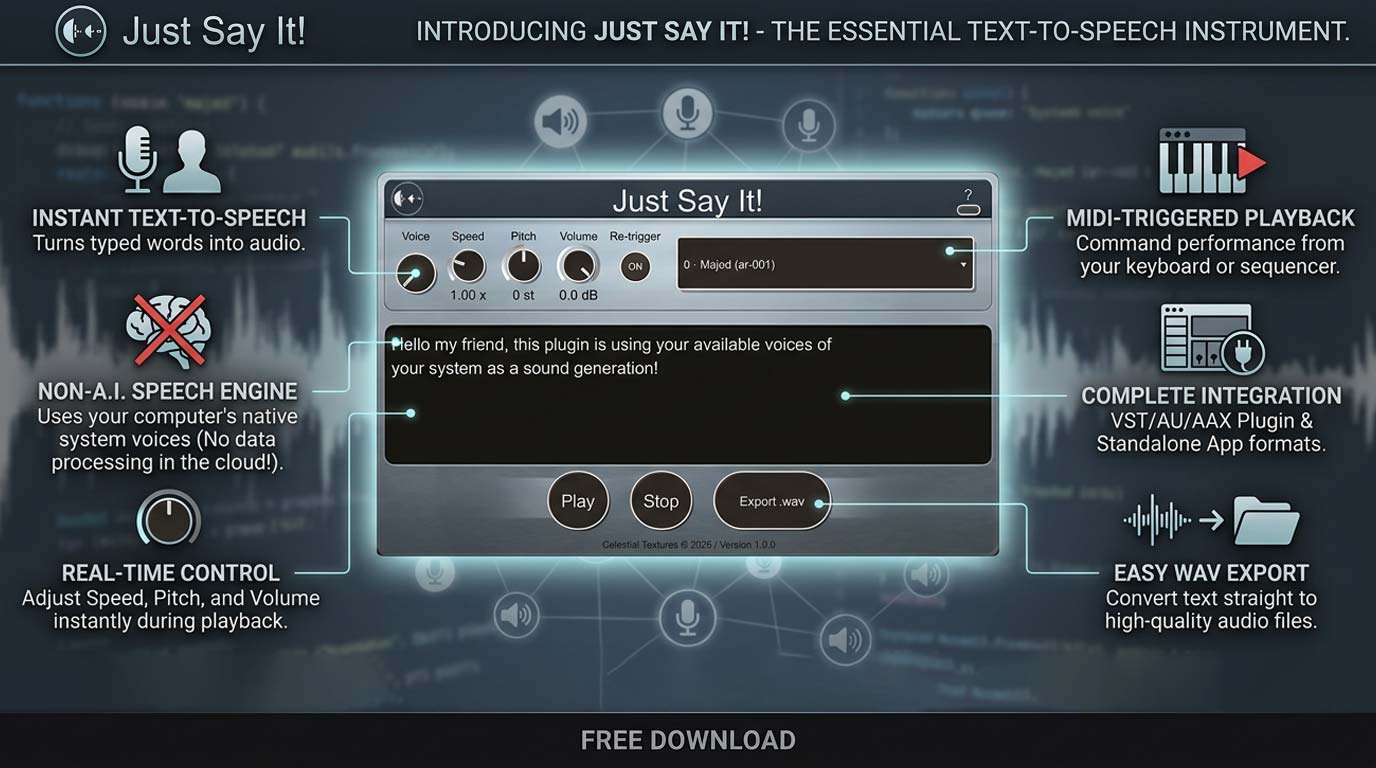 Just Say It!
Typed text becomes audio, right on your insert. System voices, real-time pitch and speed, MIDI triggering, WAV export — engineered for the studio, not the browser.
New
Just Say It!
Typed text becomes audio, right on your insert. System voices, real-time pitch and speed, MIDI triggering, WAV export — engineered for the studio, not the browser.
New 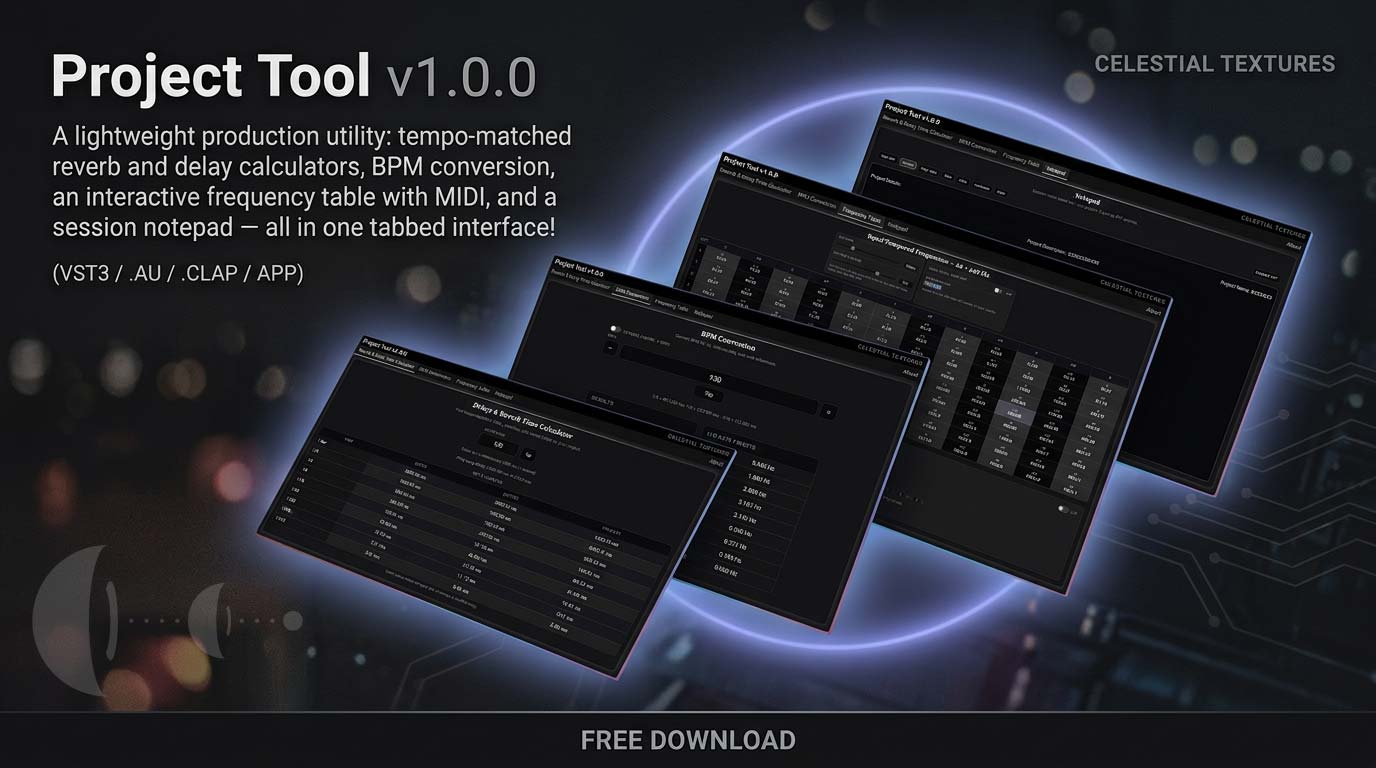 Project Tool
Tempo-matched reverb & delay calculators, BPM conversion, an interactive frequency table with MIDI, and a session notepad — one lightweight tool that sits on any insert without touching your audio.
Project Tool
Tempo-matched reverb & delay calculators, BPM conversion, an interactive frequency table with MIDI, and a session notepad — one lightweight tool that sits on any insert without touching your audio.
Axis Utility
Axis Utility is a stereo utility & metering plugin featuring independent gain trims, M/S mode, Imager, Phase, Time Shift/Tilt, and a brick-wall Limiter, paired with professional metering: LUFS (EBU R128), correlation/balance, a 6-mode goniometer, and a real-time spectrum analyzer with built-in calibration.
New
Just Say It!
Typed text becomes audio, right on your insert. System voices, real-time pitch and speed, MIDI triggering, WAV export — engineered for the studio, not the browser.
New
Project Tool
Tempo-matched reverb & delay calculators, BPM conversion, an interactive frequency table with MIDI, and a session notepad — one lightweight tool that sits on any insert without touching your audio.