
· Help Center
Support
Product manuals
Full install guides, interface tours, shortcuts, and troubleshooting — also bundled inside each app under Help → Manual.

Axis Utility
Stereo utility and metering — gain, M/S, Imager, Phase, limiter, LUFS, goniometer, and analyzer. VST3, AU, CLAP, and standalone.
Read manual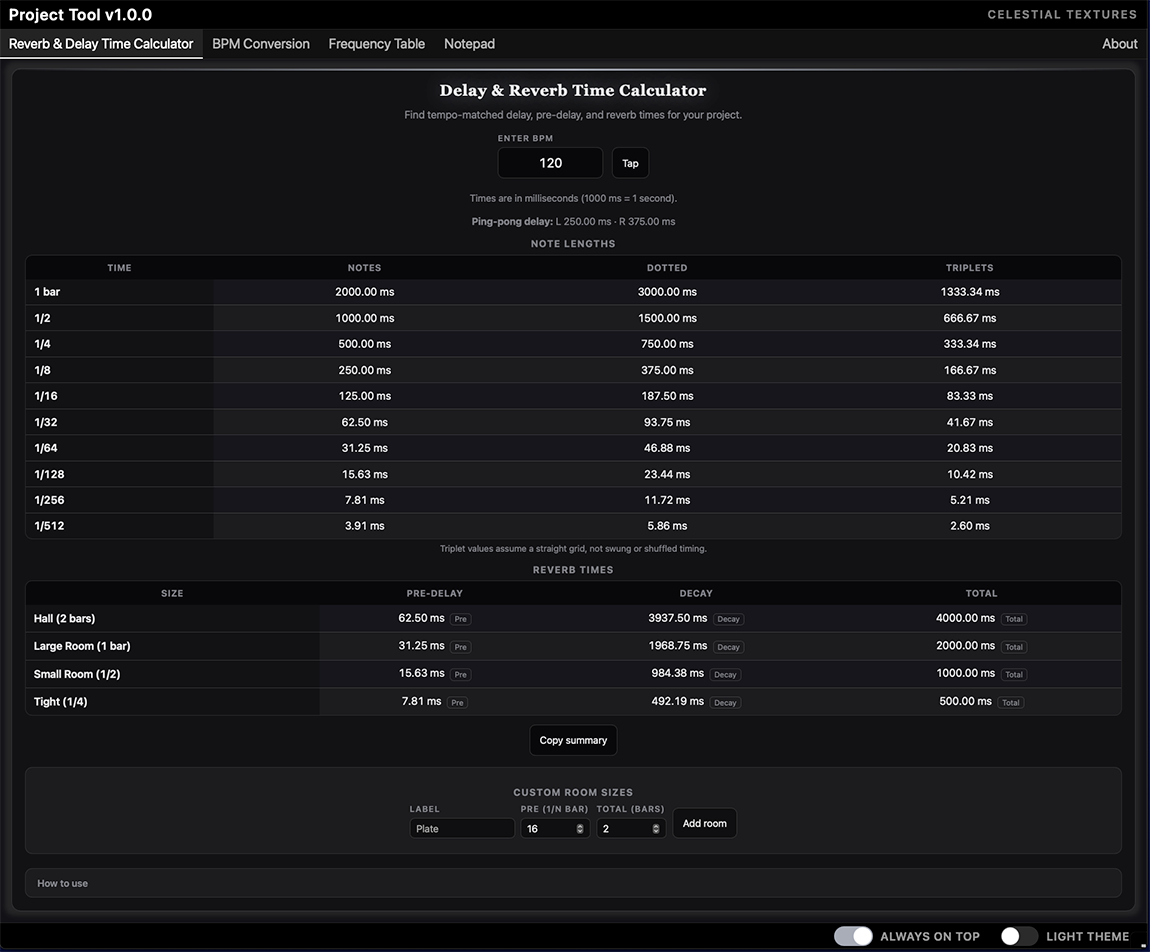
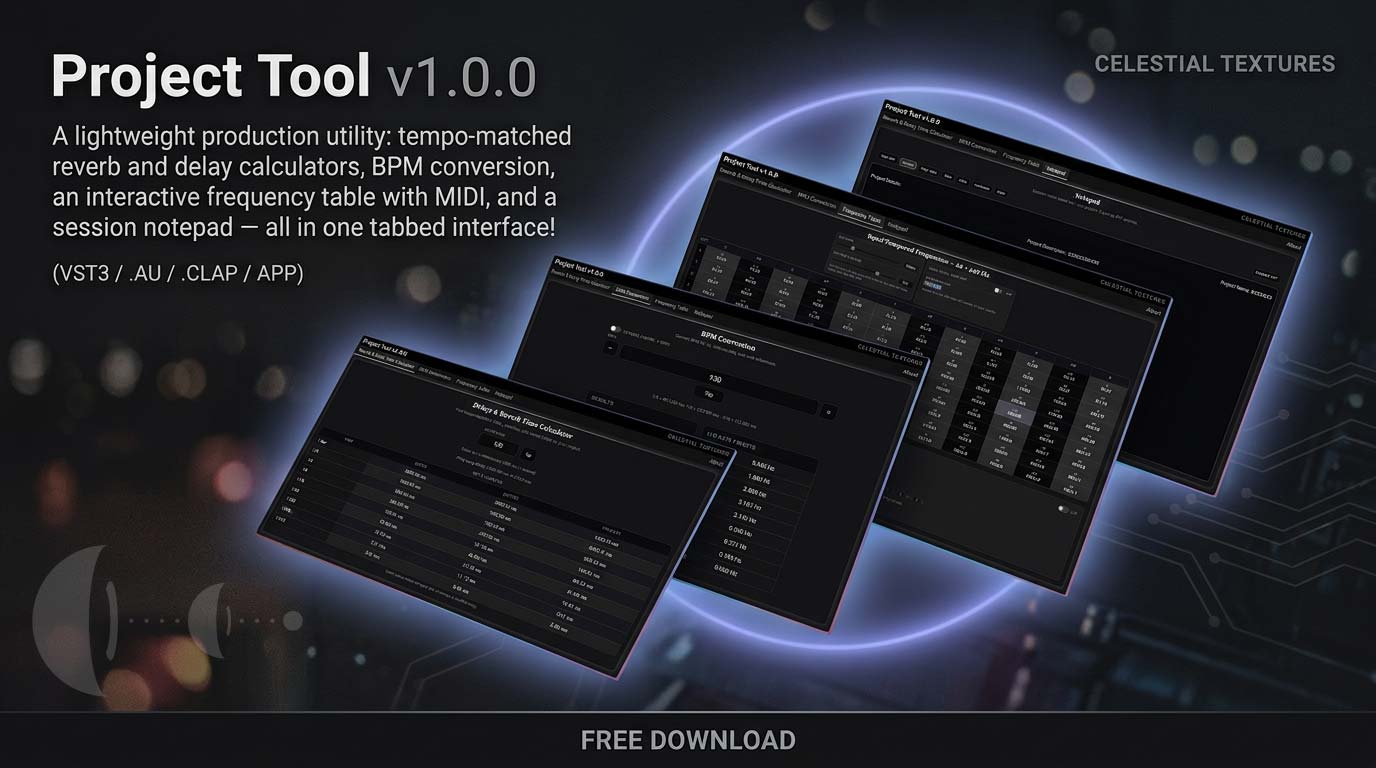
Project Tool
Reverb & delay calculators, BPM conversion, frequency table, and session notepad — VST3, CLAP, AU, and standalone.
Read manual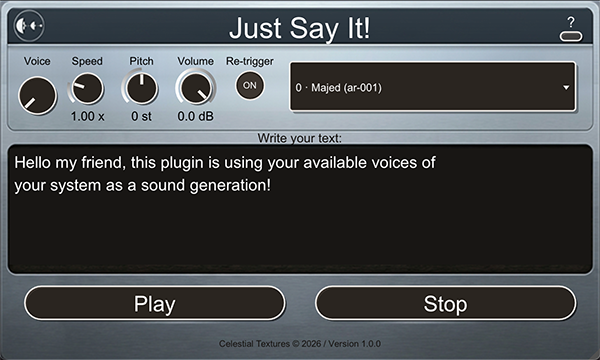
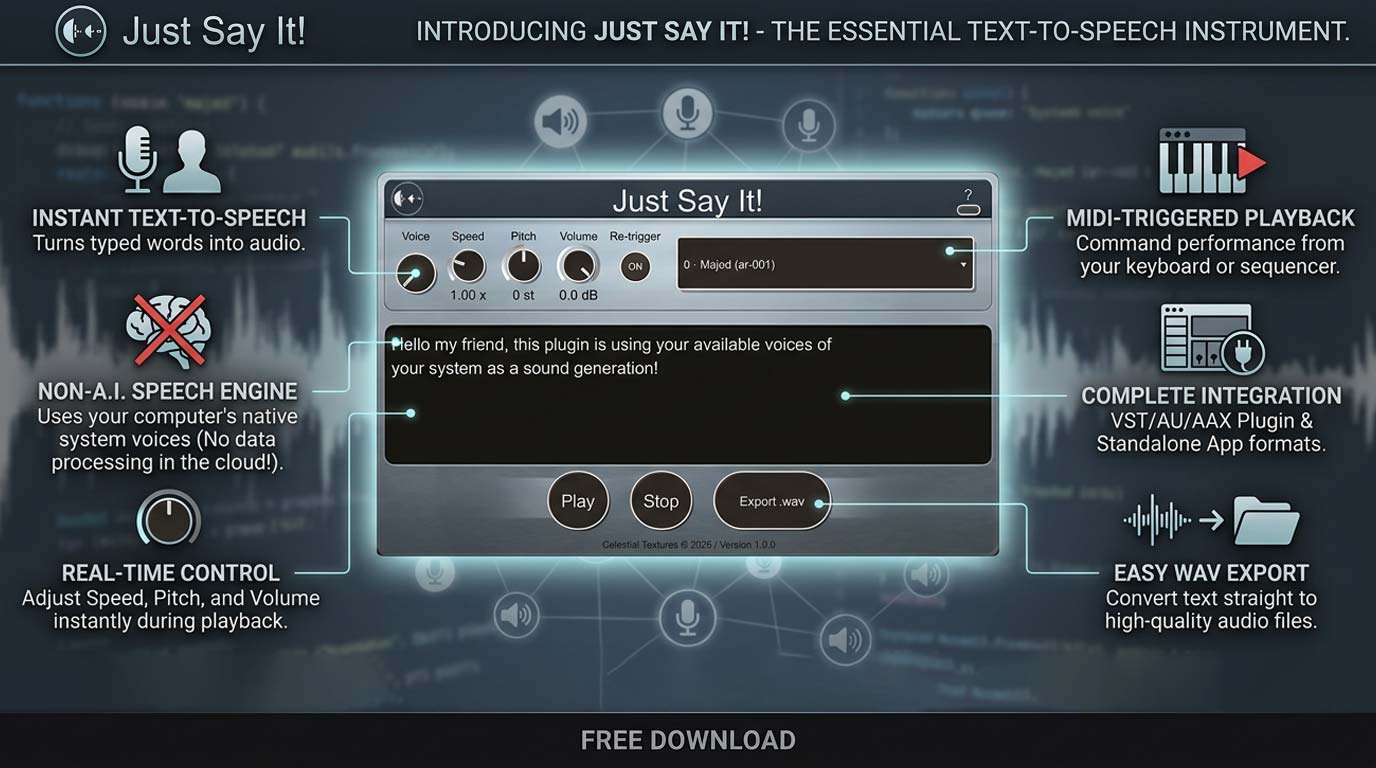
Just Say It!
TTS instrument plugin — install, OS voices, MIDI mapping, export workflows, and standalone Help menu.
Read manual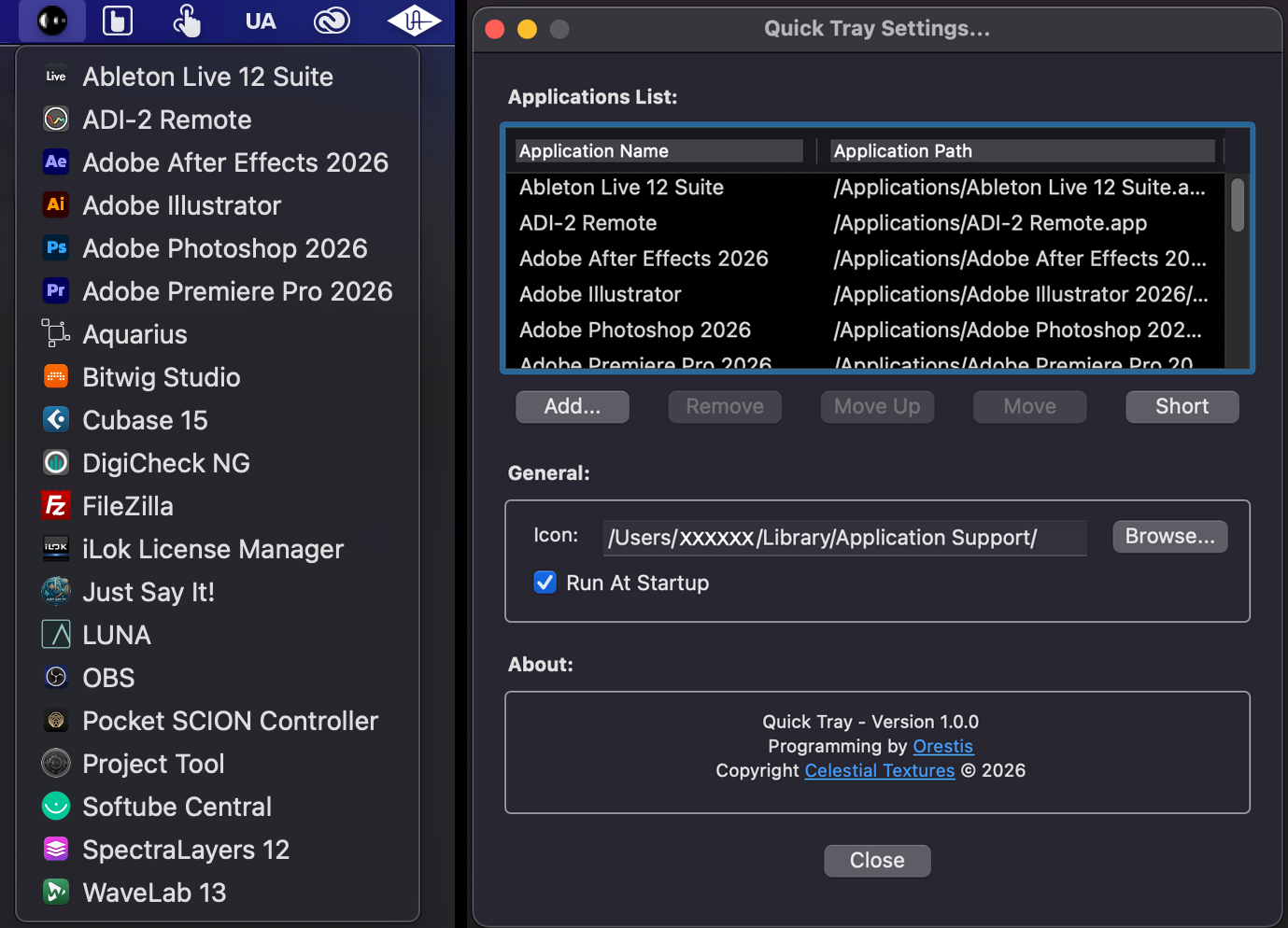
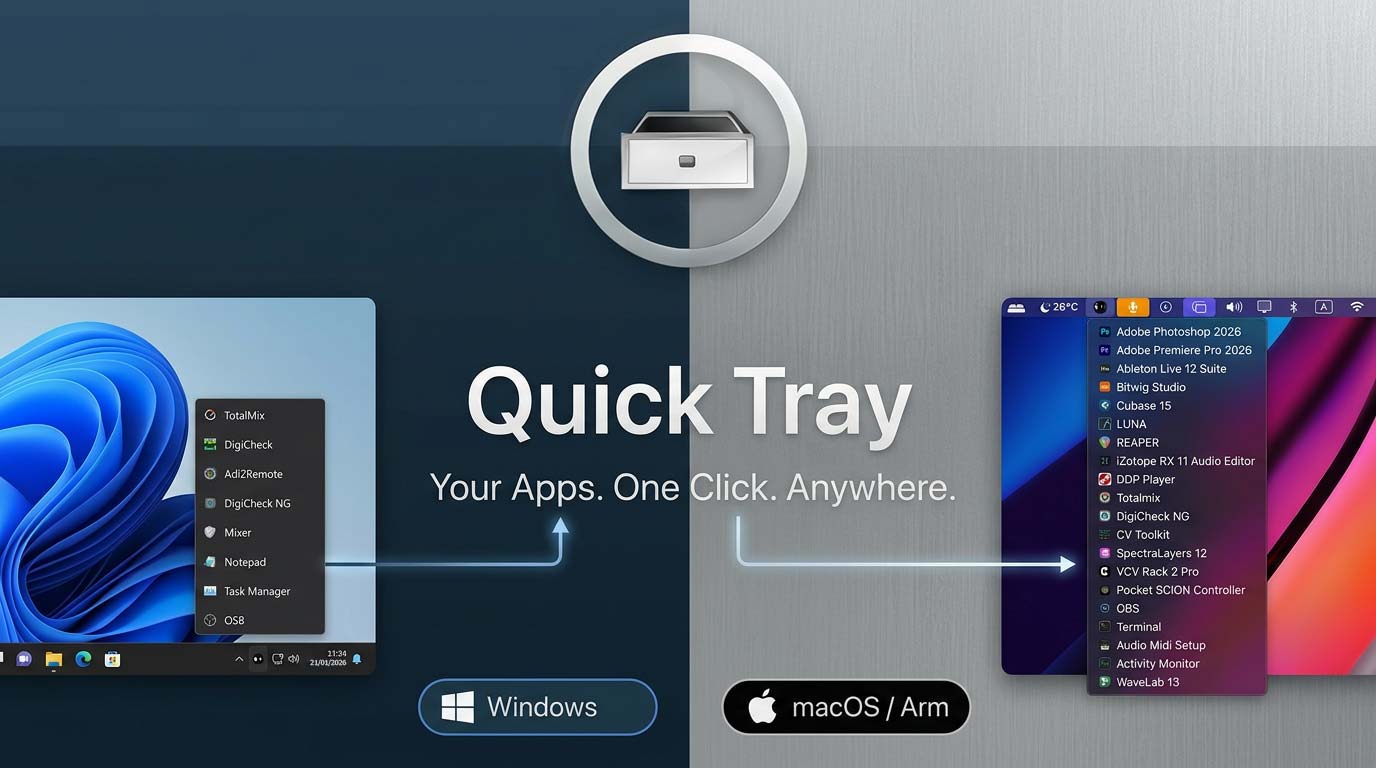
Quick Tray
One-click app launcher for macOS & Windows — menu bar / tray icon, settings, and platform-specific guides.
Read manualQuick help
Common next steps without digging through a full manual.
Frequently asked
Where is the manual on my computer?
macOS: ~/Library/Application Support/Celestial Textures/App Name/
Windows: C:\ProgramData\Celestial Textures\App Name\
Open Help → Manual in the app, or use the online manuals linked above.
How does license activation work?
Enter your license key from My Purchases when prompted.
Trials stay on your device until you activate online.
See our Privacy Policy §3.4 for what activation data we store.
Do I need to be online after activation?
Once activated, the product works fully offline. You do not need a daily, weekly,
or monthly online check, and you do not need to re-enter your serial.
Internet is only required for the first activation (Options → serial → Submit),
and if you later deactivate a machine so that the license slot can be used on another computer.
If the computer is online from time to time, the plugin can also check for newer versions and let you know when an update is available
(UPDATE! on the UI). That check is optional — it is not required to keep the license working.
I need a receipt or invoice from checkout
Paddle sends purchase confirmations by email.
For billing questions, contact us at
Plugin not showing in my DAW?
Rescan plug-ins in your DAW after install. Check the product manual for default install paths (VST3 / CLAP / AU).
Restart the DAW if the plug-in was installed while it was open.
 macOS Uninstall
- Quit your DAW and close the app if it is running.
- Open Finder and go to:
/Applications/Celestial Textures/Uninstallers/ - Double-click Uninstall [App Name].app.
- Click Continue, then choose:
- Keep settings — removes the app/plug-ins and related files; keeps your saved preferences.
- Remove settings too — also deletes settings and related user data.
- When finished, rescan plug-ins in your DAW (or restart the host) so the product disappears from the plug-in list.
Typical removals: plug-in formats (VST3, AU, CLAP, etc.), standalone app, manual, and the uninstaller itself.
- Restart or rescan plug-ins in your host so old entries clear.
- Your DAW projects are not deleted — only the app/plug-in files are removed. Opening an old project may show a missing plug-in; that's normal.
 Windows Uninstall
- Close your DAW and quit the app if it is running.
- Uninstall using any of these:
- Settings → Apps → Installed apps → find [App Name] → Uninstall
- Control Panel → Programs → Programs and Features → select [App Name] → Uninstall
- Start menu → Celestial Textures → [App Name] → Uninstall [App Name]
- Follow the prompts. If offered, choose:
- Keep settings — removes the app/plug-ins and related files; keeps your saved preferences.
- Remove settings too — also deletes settings and related user data.
Typical removals: VST3/CLAP (and other installed formats), standalone app, Start menu/desktop shortcuts, manual, and user data (if you chose to remove settings).
- Restart or rescan plug-ins in your host so old entries clear.
- Your DAW projects are not deleted — only the app/plug-in files are removed. Opening an old project may show a missing plug-in; that's normal.