






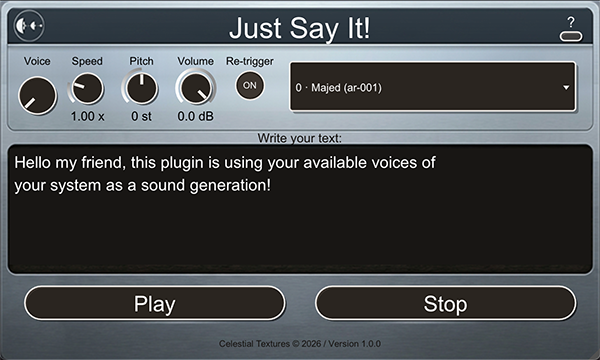
Capabilities
A speech engine that behaves like an instrument.
Signal path
100% local. Zero AI. Zero cloud.
Speech is rendered by the voices already installed in your operating system — macOS Speech on Mac, Windows Speech (WinRT with SAPI fallback) on Windows. No accounts, no uploads, no models. Zero samples of latency reported to your host.
Workflow
From text to track in four moves.
C3 = unity pitch · notes 0–96 · ±48 st across the keyboard
Space & Echo, in either order.
Two macro knobs — one reverb, one delay — plus a small switch that swaps which effect runs first. Both follow Stretch and Pitch in real time and bake straight into Export .wav.
Click the ↔ switch between the Space and Echo knobs to toggle — labels and knob positions swap on screen so the left knob always runs first.
Specifications
Every format. Both platforms.
macOS 10.14+ (Apple Silicon & Intel) and Windows 10+ (64-bit). Installers include the standalone application and the full HTML manual.
Support
Common questions
Does it use AI voices?
No. Speech is generated with your operating system's built-in text-to-speech — macOS Speech on Mac, Windows Speech (WinRT with SAPI fallback) on Windows. Nothing goes to the cloud.
How do I get more voices?
Install them in your OS: on macOS under System Settings → Accessibility → Spoken Content; on Windows under Settings → Time & Language → Speech. New voices appear in the plug-in automatically.
Why do I see more voices on Mac than on Windows?
The voice library belongs to your operating system, and each OS ships with a different starting set — macOS simply pre-installs more out of the box. Both platforms are fully expandable for free: on Windows, add voices for any language under Settings → Time & Language → Speech, and every new voice shows up in Just Say It! automatically.
Can I use it without a DAW?
Yes — a standalone application is included for both macOS and Windows. Choose your audio output and MIDI device in Preferences.
No sound after pressing Play?
Make sure the text isn't empty and a valid voice is selected, then check that the track isn't muted and the plug-in output is routed correctly. The status line above the text area reports errors.
Does each instance have its own text?
Yes. Every instance keeps its own text, voice and knob settings, all stored in your project file.
Put a voice on your insert.
Free for macOS and Windows. Install, type, press Play.







What's new
- Smoother plug-in window resizing (CLAP) — if you use the CLAP version in a DAW, resizing the plug-in window is now smoother.
- Who should update, CLAP users. VST3 and AU are unchanged in behavior for this update.
- Play now always uses the text on screen.
- If you edited the text box and triggered Play via MIDI (or Play / Export) without clicking away first, older builds could still speak the previous text.
- Speech now always uses the text you see on screen — same behaviour as on Windows.
- Exported WAV files now include the Volume knob and match live playback (macOS & Windows).
- Fixed double application of the Volume knob on Windows.
- Stability and consistency improvements across platforms.
- macOS: fixed a crash on Play in plugin hosts (including Ableton Live), including some Ventura + Apple Silicon setups.
- Windows: version bumped to 1.0.2 for consistency — no functional changes on Windows in this release.
- Stretch (formerly Speed) now goes from 1.0× to 10.0×.
- Added Space (reverb) and Echo (delay) macros.
- Added order switch: Space → Echo or Echo → Space.
Log in to claim this free product.
Log inMore from Celestial Textures
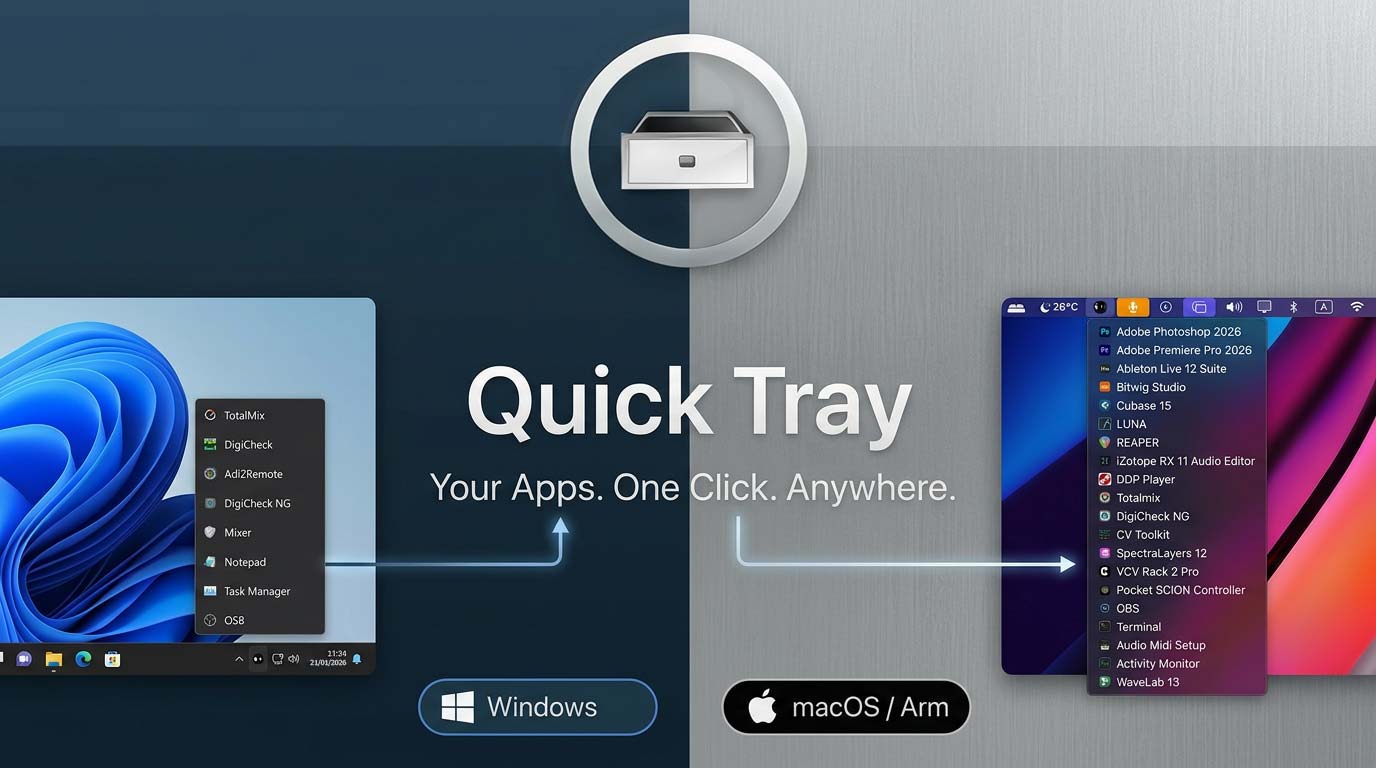 Quick Tray
 is a featherweight launcher that lives in your menu bar or system tray.
New
Quick Tray
Quick Tray is a featherweight launcher that lives in your menu bar or system tray.
New  Axis Utility
 is a stereo utility & metering plugin featuring independent gain trims, M/S mode, Imager, Phase, Time Shift/Tilt, and a brick-wall Limiter, paired with professional metering: LUFS (EBU R128), correlation/balance, a 6-mode goniometer, and a real-time spectrum analyzer with built-in calibration.
New
Axis Utility
Axis Utility is a stereo utility & metering plugin featuring independent gain trims, M/S mode, Imager, Phase, Time Shift/Tilt, and a brick-wall Limiter, paired with professional metering: LUFS (EBU R128), correlation/balance, a 6-mode goniometer, and a real-time spectrum analyzer with built-in calibration.
New 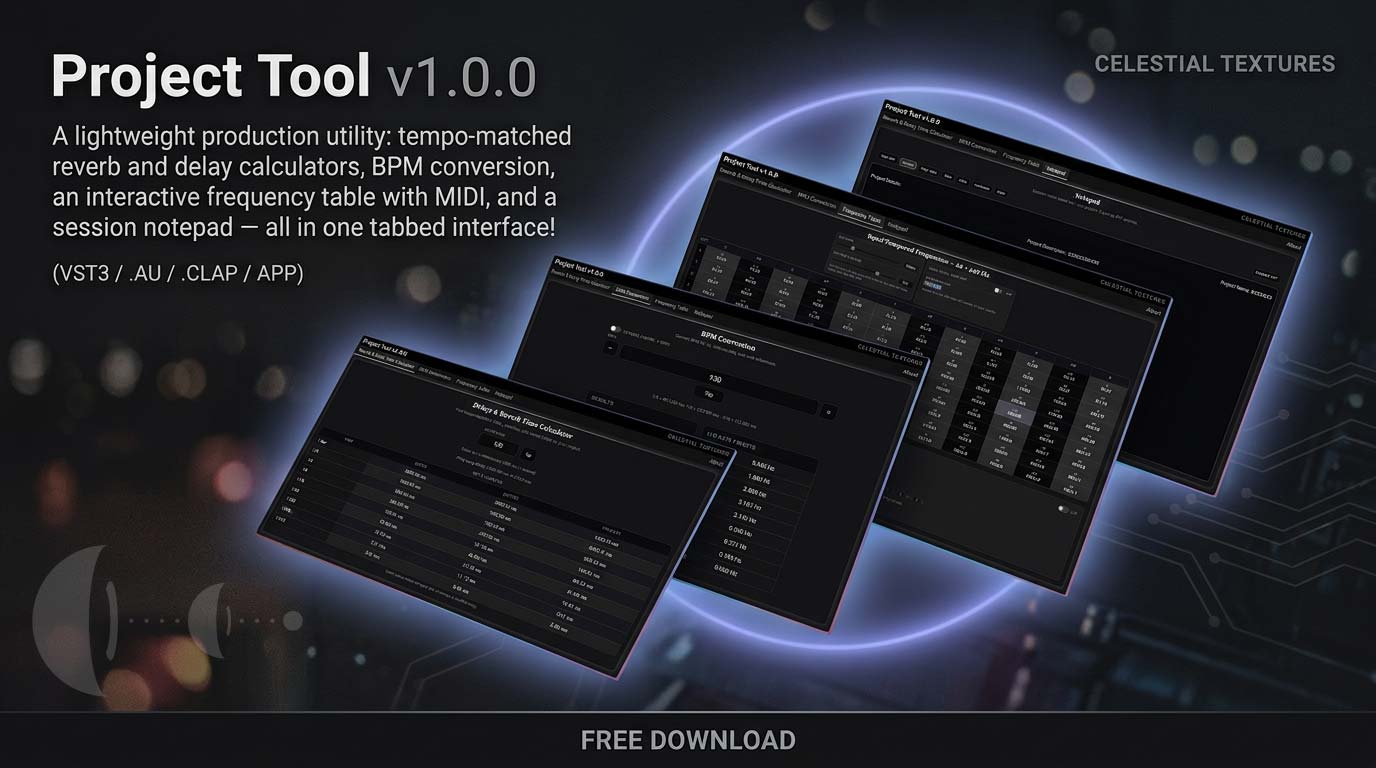 Project Tool
Tempo-matched reverb & delay calculators, BPM conversion, an interactive frequency table with MIDI, and a session notepad — one lightweight tool that sits on any insert without touching your audio.
Project Tool
Tempo-matched reverb & delay calculators, BPM conversion, an interactive frequency table with MIDI, and a session notepad — one lightweight tool that sits on any insert without touching your audio.